Getting started
Personal Shop: sell from your storage
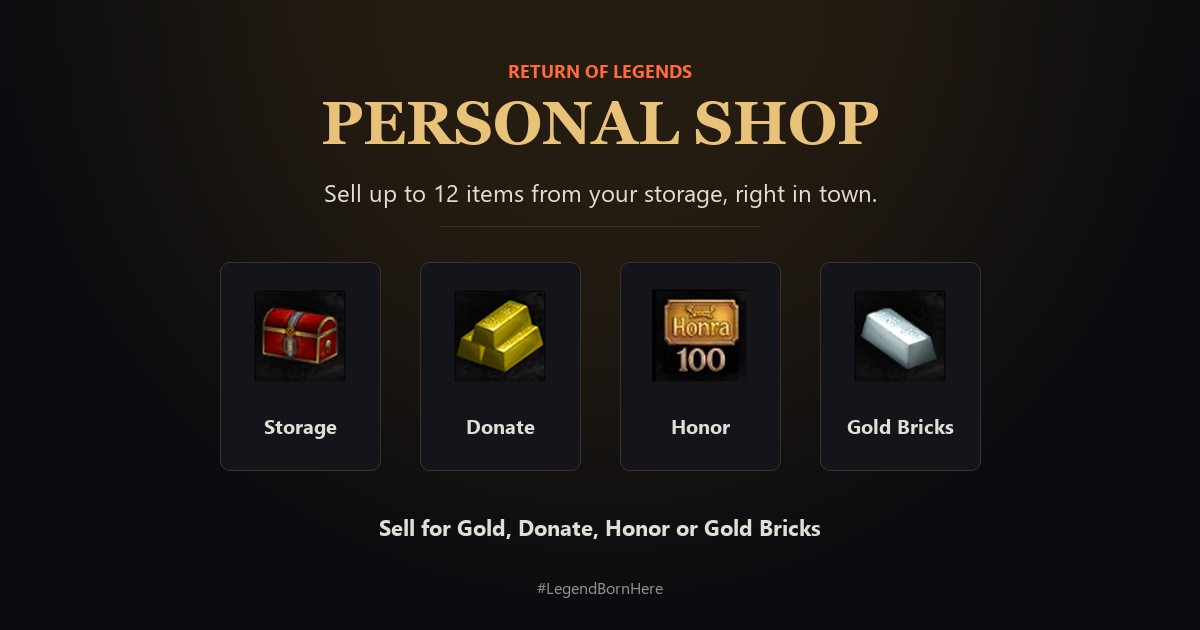
Open your own shop in town, sell up to 12 items from your storage for Gold, Donate, Honor or Gold Bricks, and earn Honor while it is open.
Open your shop
 Five steps to open your shop
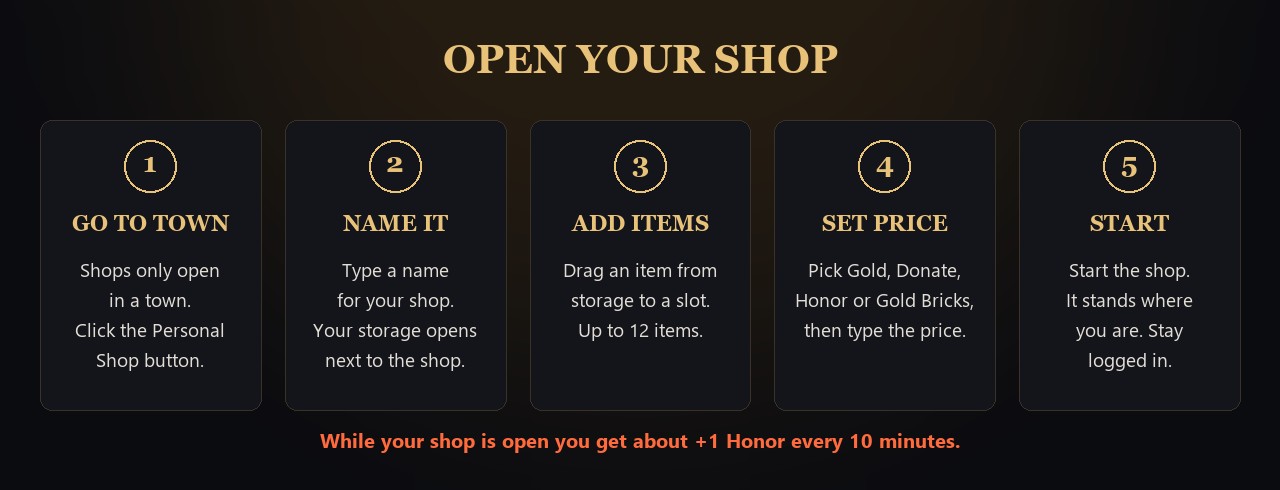
- Go to a town. Shops only open in towns.
- Click the Personal Shop button and type a name for your shop.
- Your storage opens next to the shop window.
- Drag an item from your storage into a slot. You have 12 slots.
- Pick how the buyer pays: Gold, Donate, Honor or Gold Bricks. Then type the price.
- Start the shop. It stands where you are, and players can also find it in the Global Market.
When something sells
 Where your money goes
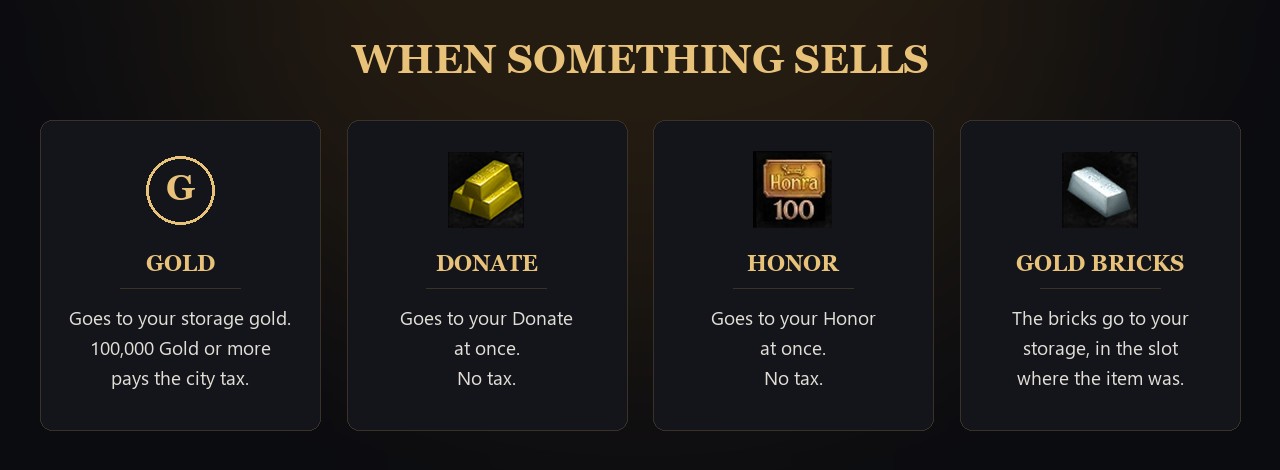
- Gold: goes to your storage gold. Prices of 100,000 Gold or more pay the city tax.
- Donate: goes to your Donate at once. No tax.
- Honor: goes to your Honor at once. No tax.
- Gold Bricks: the bricks go to your storage, in the slot where the item was.
- The game tells you "Item ... has been sold."
- Storage gold holds up to 2,000,000,000. When it is full, Gold sales stop. Take some gold out.
Rules
- Stay logged in. The shop closes when you log out.
- While your shop is open you get about +1 Honor every 10 minutes.
- Mounts level 181 and higher, and items that cannot be traded, cannot go in a shop.
- Lock Auto Trade (Account Lock) stops you from opening a shop.
Close your shop
- Click the same button again. It now says Close Shop.